This is the setup I use. Many AI chats side by side in one app, each with its own status, so you can see which one needs you. Claude builds, Codex gives a second opinion, and Claude can use your real signed-in browser. Your AI does the install and checks each step.
Pricing page Awaiting input
Invoice import Working
Steward Working
Login bug Done
You: What can I settle?
Steward: Login bug is merged and nothing depends on it, so it can be settled. Pricing page is waiting on one answer from you. Invoice import is still running.
Example: several chats at once, and the steward telling you where things stand. Names are invented.
What you get
T3 Code with Claude Code and Codex connected
Claude in Chrome, so an agent can click through dashboards with your logins
Working rules that make agents ask less and stop before risky actions
A steward: one pinned chat you can ask "what is the status?" or "what can I settle?"
What you need
macOS, Windows or Linux, with Chrome or Edge
A paid Claude plan
A ChatGPT plan with Codex, optional (skip it and you only lose the second opinion)
T3 Code itself is free and open source
AI work setup
One folder your AI understands
A simple folder layout and a short rules file for each project, so your AI always knows what the project is, who is involved and where things go. It asks you a few questions and fills in the first project with you.
Work/
  CLAUDE.md              rules for everything below
  active/
    my-project/
      CLAUDE.md          what this is, people, links, constraints
      notes/             dated notes: 2026-11-02-topic.md
      notes/meetings/    transcripts and summaries
      deliverables/      things that get delivered
      Claude outputs/    generated files
The folder it creates.
What you get
A work folder with one place for each project
Rules files your AI reads before it starts
Dated notes, meeting notes and a simple to-do board
A separate place for things you deliver and things the AI generates
What you need
Claude Code
A few minutes to answer questions about your first project
Atlas
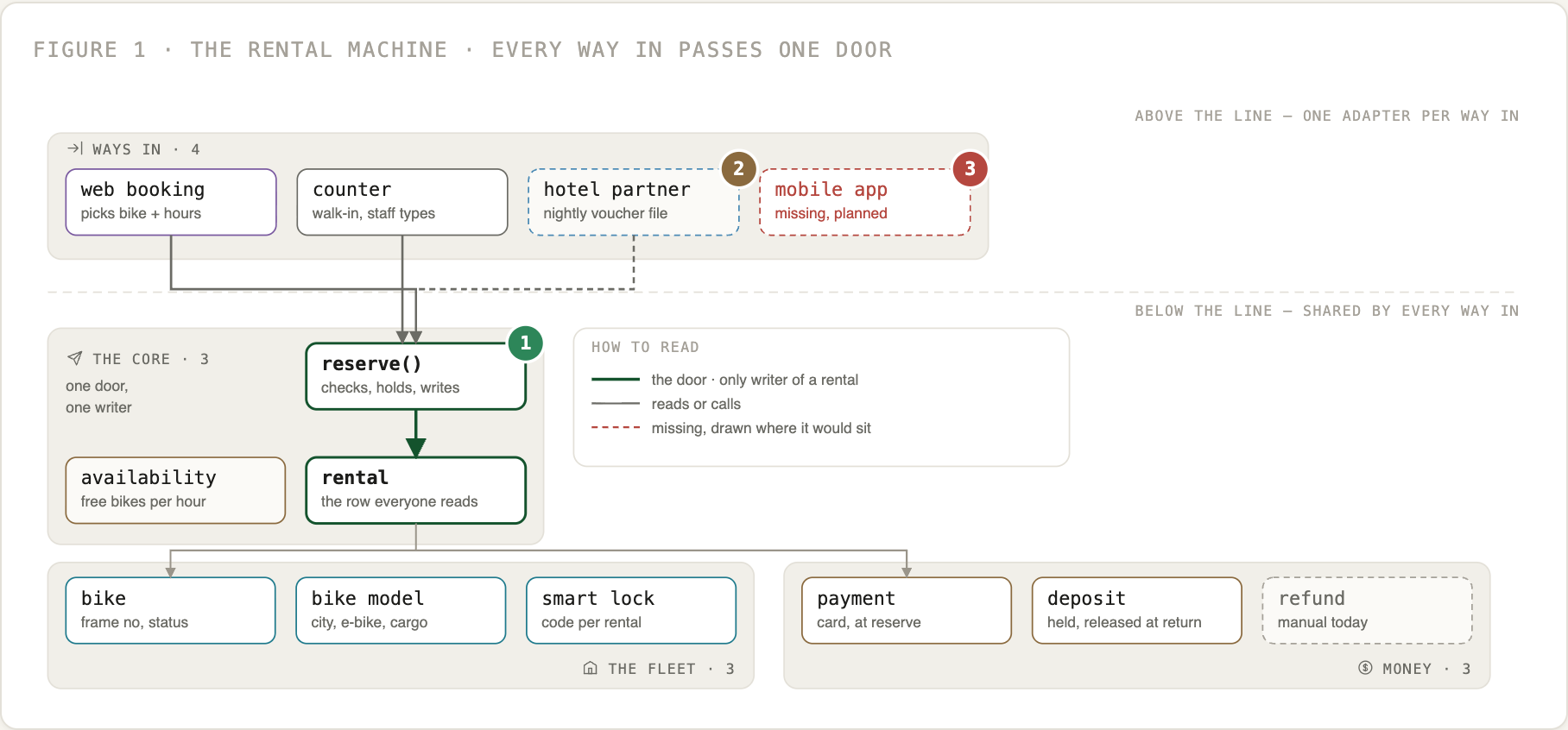
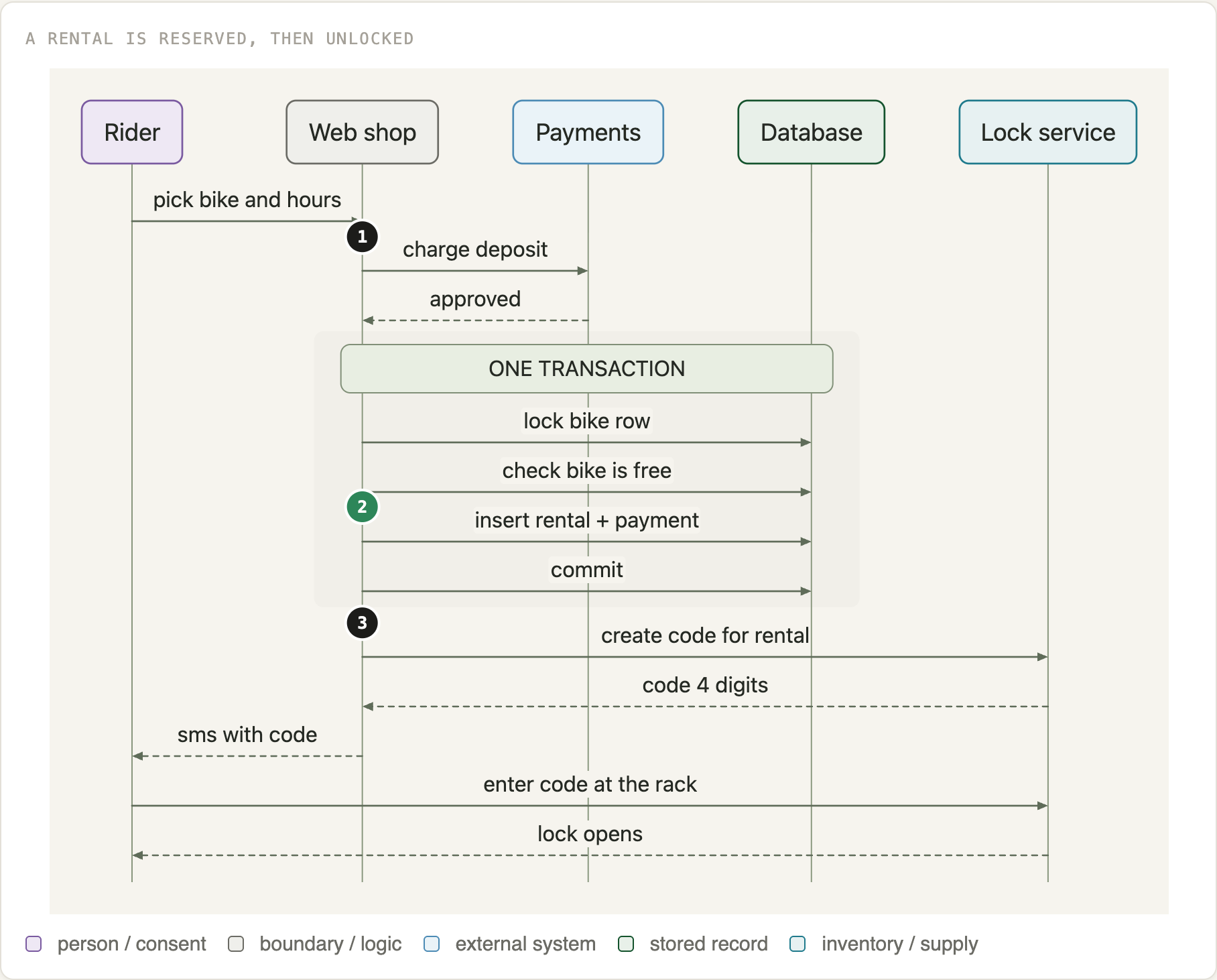
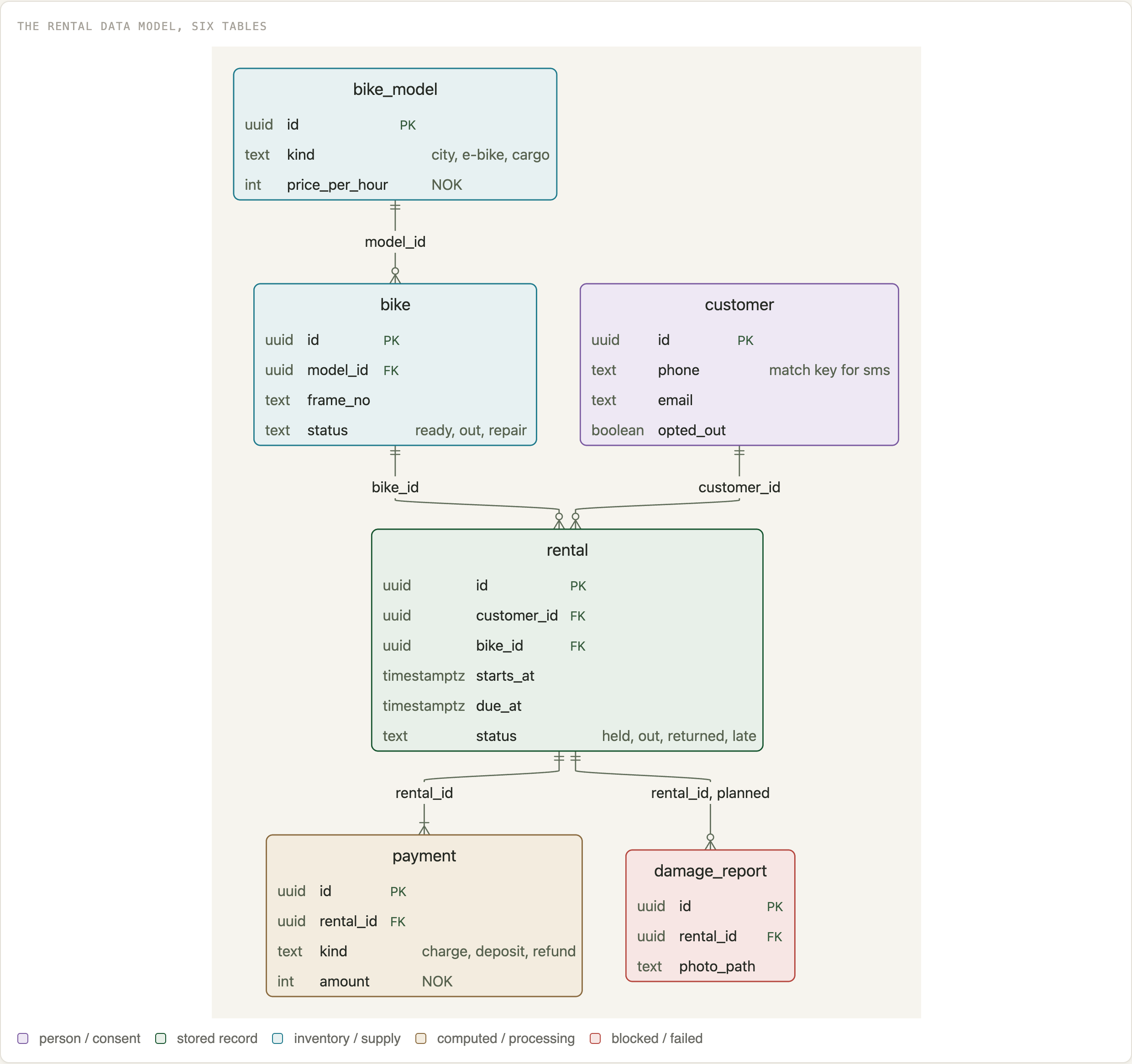
Clear system diagrams
Ask your AI to draw how something works and get one readable page back: a one-sentence claim, short text, and diagrams that follow fixed rules. It picks the right shape for each question, and it splits big systems up instead of drawing one giant tangle.
One self-contained HTML page you can send to anyone
Line maps, data models, sequences, calendars and journeys
Scripts that lay out the figures and check them
Large systems split into groups, so they stay readable
What you need
An AI tool that can use skills, such as Claude Code
Node.js for the layout scripts
Data models, sequences and calendars are drawn with Pele by kepano (MIT).
Animation
Narrated films from a brief
Make a short animated film in code, with a voice-over. You agree a brief, pick from storyboard stills by eye, and approve one or two reference clips before the rest gets built. Every scene stays editable, so changing a line does not mean starting over.
The numbers are in, but nobody reads them.
So each Monday, one page lands in your inbox.
It says what changed, and why.
You decide in a minute.
0:000:060:140:20
Example: a storyboard, one still and one line of speech per beat, on a timeline. Invented film.
What you get
Explainers, product films and social clips as MP4
Storyboard rounds you pick from, with earlier rounds kept
Generated voice-over from a script you can edit
Timing in one file, so re-timing stays simple
What you need
An AI tool that can use skills, such as Claude Code
Node.js. Films are built with Remotion, so check its license if you use it at a company
An ElevenLabs or OpenRouter key if you want a voice
Decision doc
Answer choices in one page
When your AI has a plan with open questions, it builds one page that explains the plan and lets you answer by clicking. You pick options when it suits you, press Copy answers and paste the block back into the chat. Your AI maps the answers to the decisions and carries on.
Who gets the first version?
Existing customersRecommended
EveryoneFaster, more support
A small test groupSlower, less risk
rollout: existing-customers
notes: start with the two largest
Example: click your pick, and the answers block is what you paste back. Invented question.
What you get
One self-contained HTML page: the explanation and the form
Option cards with pictures, quick choices and a notes field
Its recommendation marked on each question
Answers saved in your browser until you are done
What you need
An AI tool that can use skills, such as Claude Code
Second opinion
A review by another model
A short command that has Codex review your code changes without touching them. It comes from a different model family than Claude, so it can catch what Claude misses. Reviews like this tend to find a lot, so every finding gets rated for how likely it is and how bad it would be. Your AI checks each one against the code, fixes what matters and leaves the small stuff alone.
Finding
Likelihood x impact
Action
Retry can charge a customer twice
6 x 9
Fixed
Empty search crashes the export page
5 x 4
Fixed
Very long names wrap badly on a receipt
2 x 2
Left alone, noted
Example of what your AI reports back. Fix it if likelihood x impact is 10 or more, or if impact is 8 or more. Findings are invented.
What you get
One command: second-opinion
Read-only review of your branch or uncommitted changes
Likelihood and impact from 1 to 10 on every finding
Rules that tell your AI when to run it, what to fix and what to leave alone
What you need
Codex with a ChatGPT plan that includes it
A git repository to review
macOS or Linux. On Windows, your AI has to adapt the script
Kundr MCP
Your AI works in your CRM
For businesses on Kundr. Ask your AI how the week went, who is drifting away or which hours are empty, and have it draft the email or flow. Everything it writes stays a draft until a person publishes it in Kundr.
You How did this week go, and who should we win back?
AI 42 bookings, up 6 on last week. 18 customers are at risk, up from 14. I drafted a win-back email for you to review. Nothing has been sent.
Example: a question and a draft. The numbers are invented.
What you get
Numbers, at-risk customers and empty hours, asked in plain words
Draft emails and flows in your brand voice and languages, plus creatives and campaigns where your business has them turned on
Customer details masked by default; an admin can turn on full details
A log in Kundr of every request an AI made
If your admin turns it on, problems with the connection are logged for the Kundr team, with your email address. Customer names are removed
What you need
A Kundr account, with AI access turned on by your admin. Your admin also chooses which tools your AI can use
An AI tool that can use MCP, such as Claude
Connect your AI
Take the address you log in to Kundr at and add /api/mcp, for example https://app.yourbusiness.kundr.io/api/mcp.
In Claude, open Settings, then Connectors, and add a custom connector named Kundr with that address. In other AI tools, add a remote MCP server with the same address.
Sign in to Kundr in the browser window that opens, and click Allow.